Your Internet, Explained

Simple ways to understand & boost your home WiFi. Expert tips, step-by-step guides, and everything you need for faster, safer internet.

Featured Article

Click through our latest guides and tutorials

Tutorial

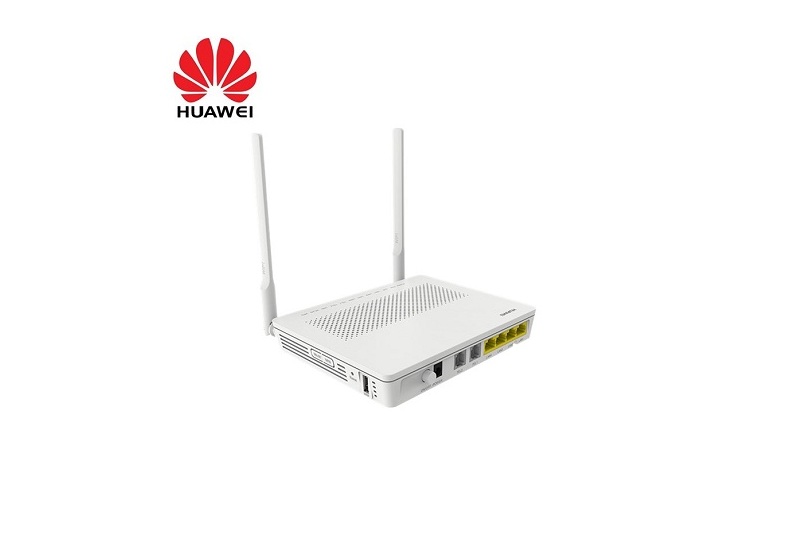
How to Change WiFi Password on a Huawei Router?

step 1. Connect to your WiFi.
Step 2. Open browser on your phone or laptop and type the router IP address: 192.168.100.1
Step 3. Enter the login details printed on your router label or provided by the Pamoja support team. Do not share your router adm
Open full article →

All fibre and WiFi guides

Browse individual, shareable guides from the Pamoja Home Fiber support team.

guide

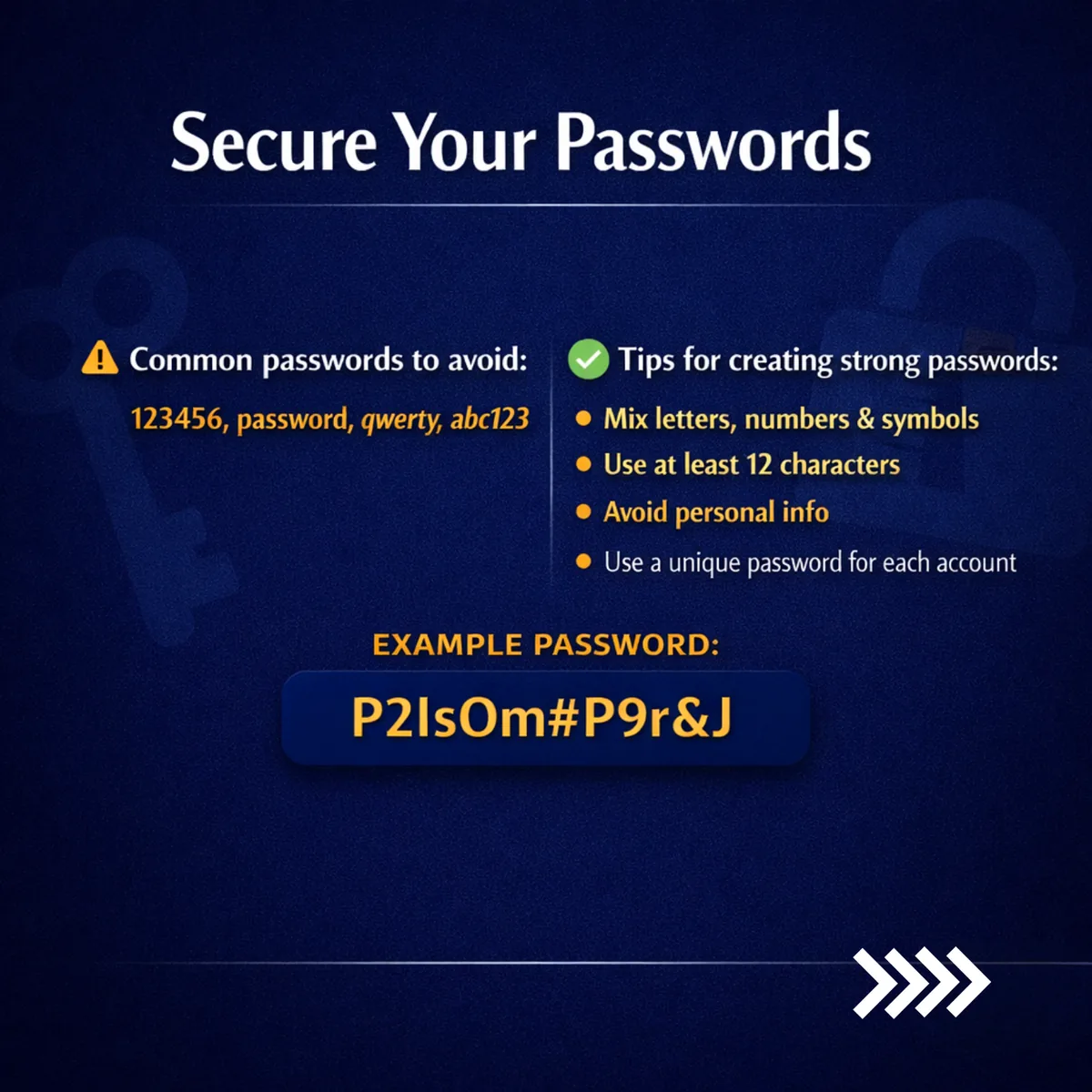
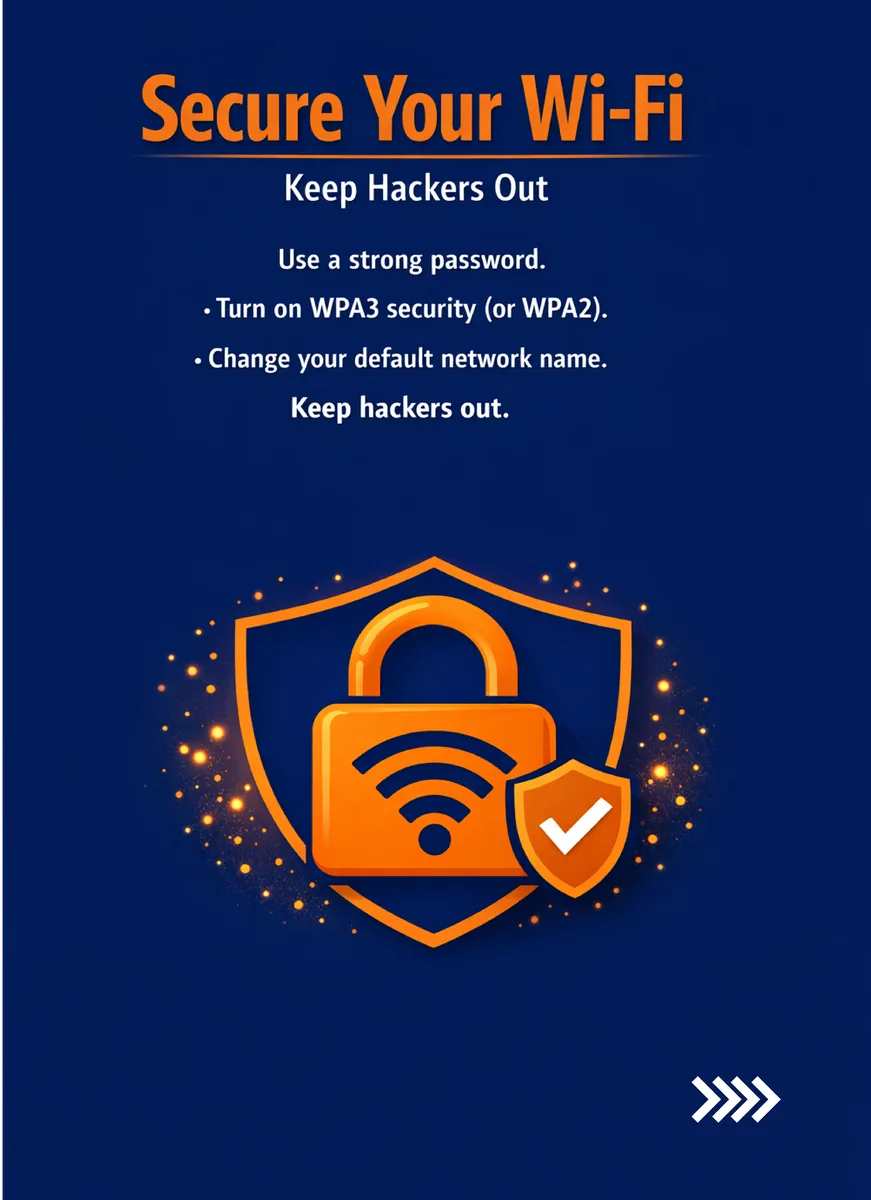
Change Your WiFi Password - Secure Your Home Network in Minutes

Read guide →

guide

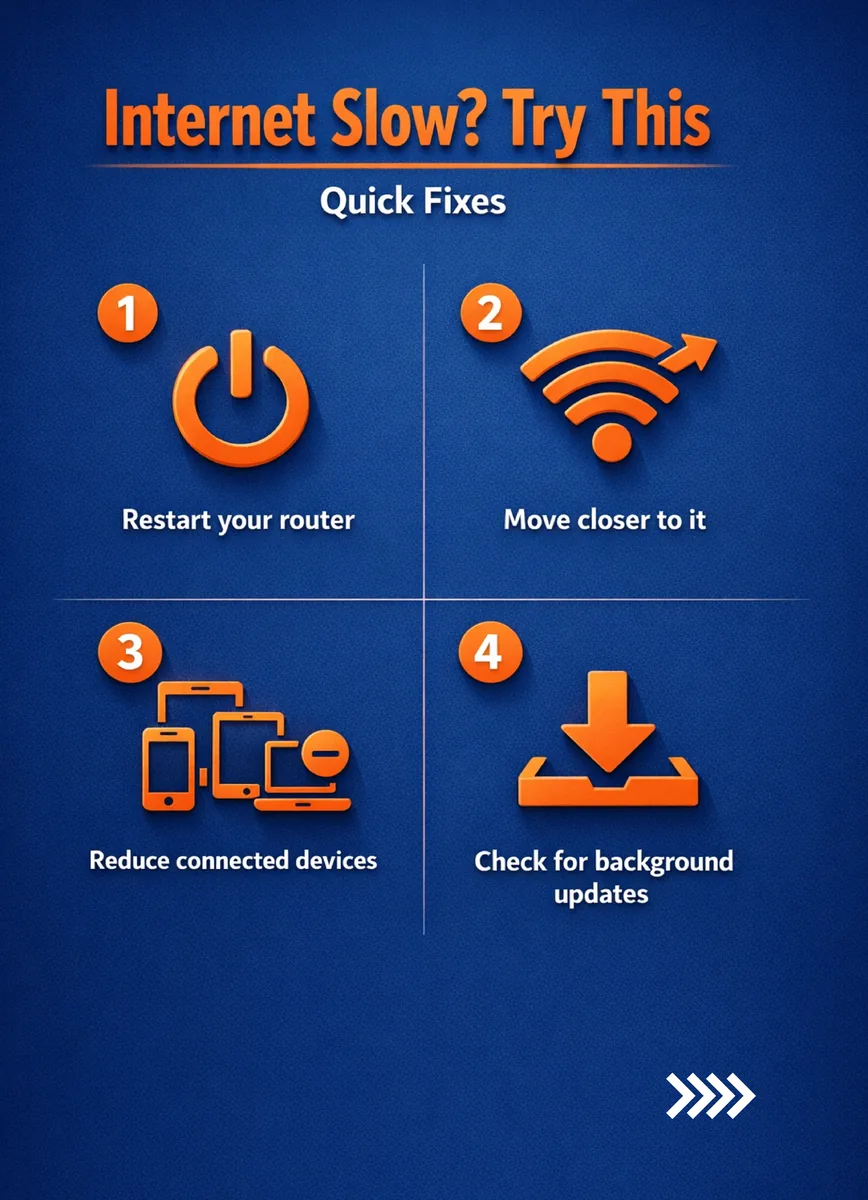
Boost Your Performance – Smart Habits for Better Speed

Read guide →

guide

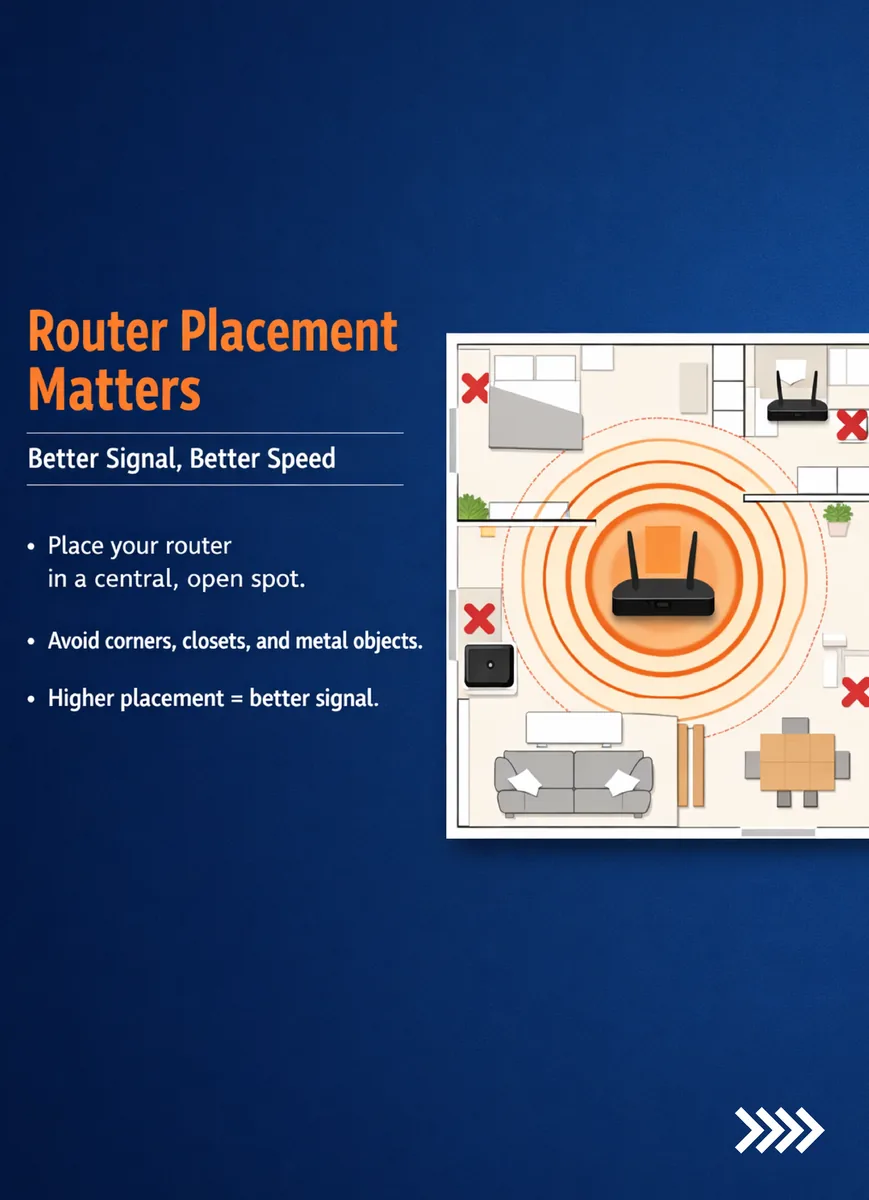
Router Placement Matters – Better Signal, Better Speed

Read guide →

guide

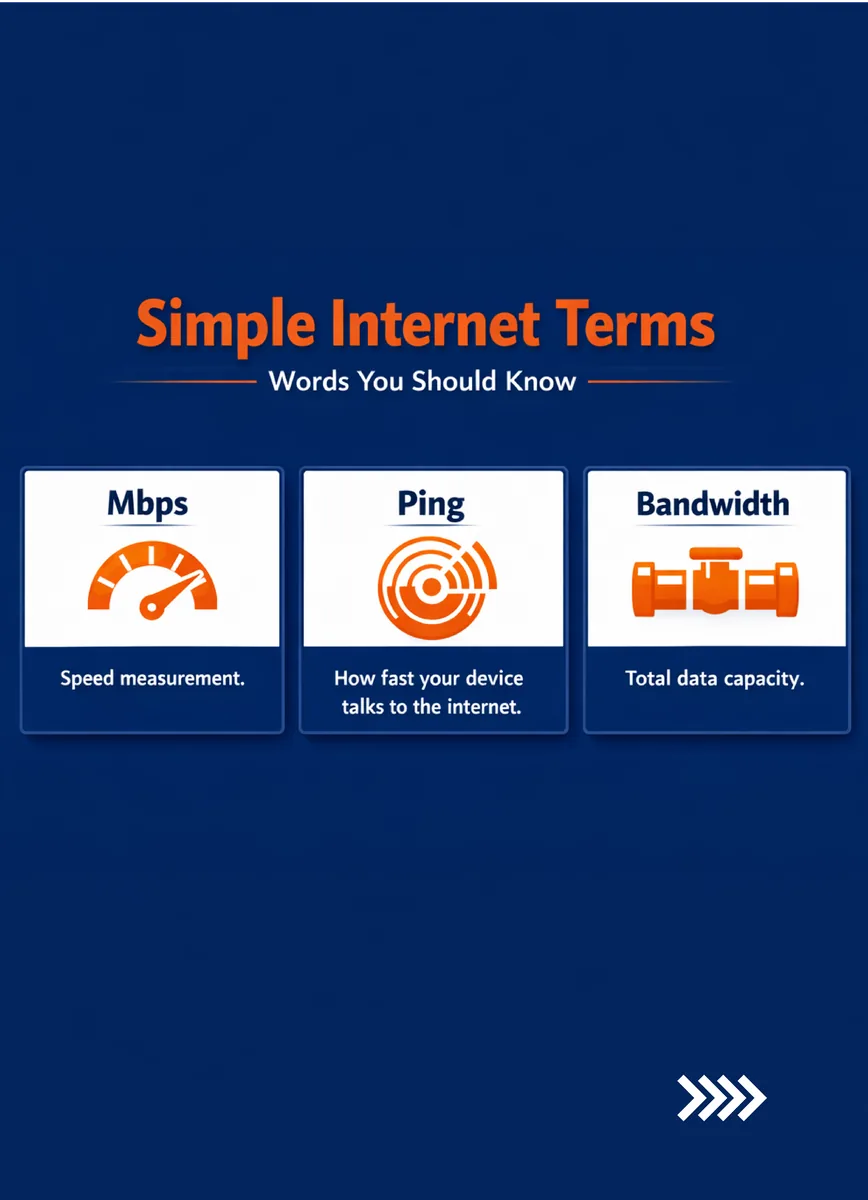
Your Internet, Explained – Simple Ways to Understand & Boost Your Home WiFi

Read guide →

guide

Safe Browsing, Powered by Pamoja – Your Security, Privacy & Speed

Read guide →

Safe Browsing, Powered by Pamoja

Experience the freedom of surfing without compromise. Your security, privacy, and speed—elevated.

pamojahomefiber.com | +254 799 745714