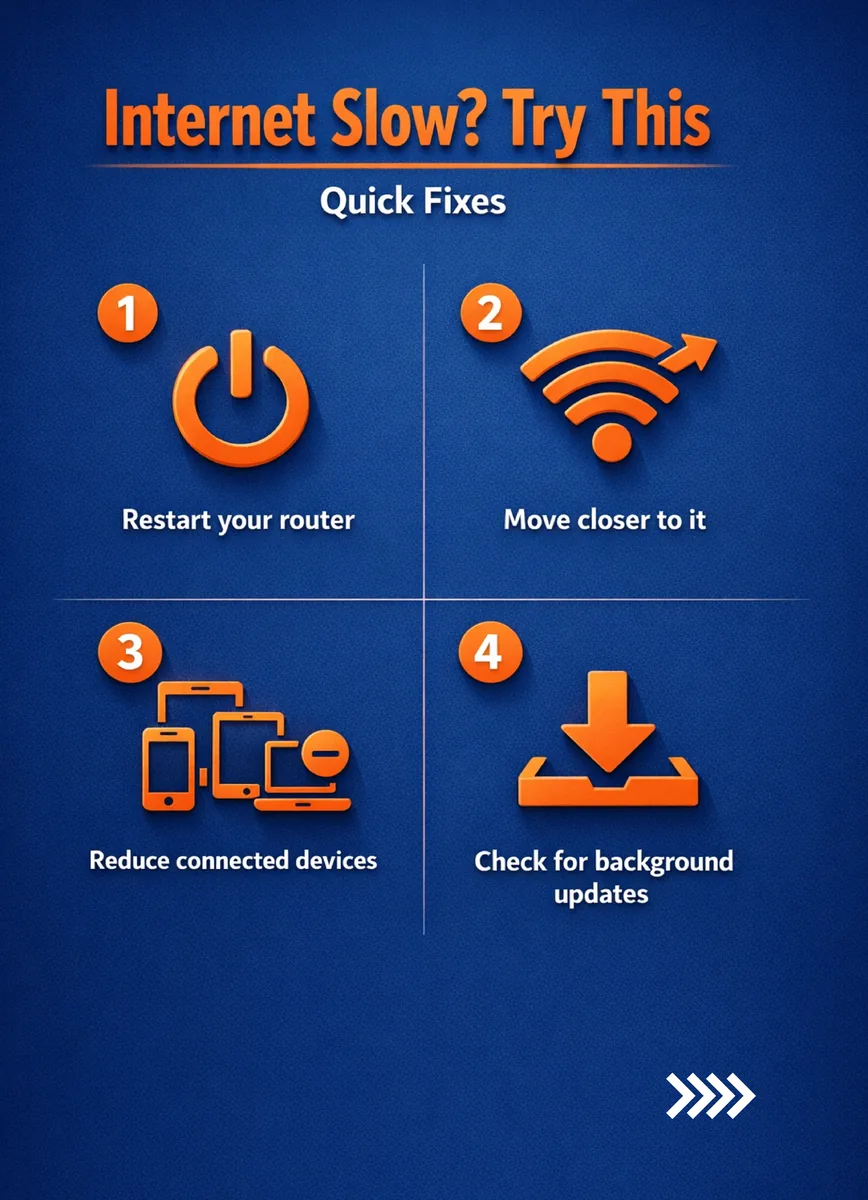
Experiencing sluggish internet? Before you call support, try these quick fixes
1. Restart your router – Unplug for 30 seconds, then plug back in. 2. Move closer to your router – Walls and distance weaken signals. 3. Reduce connected devices – Too many devices can clog your network. 4. Check for background updates – Apps and system updates often run silently.
These simple steps can often resolve speed issues in minutes. For persistent problems, consider upgrading your plan or repositioning your router for better coverage.