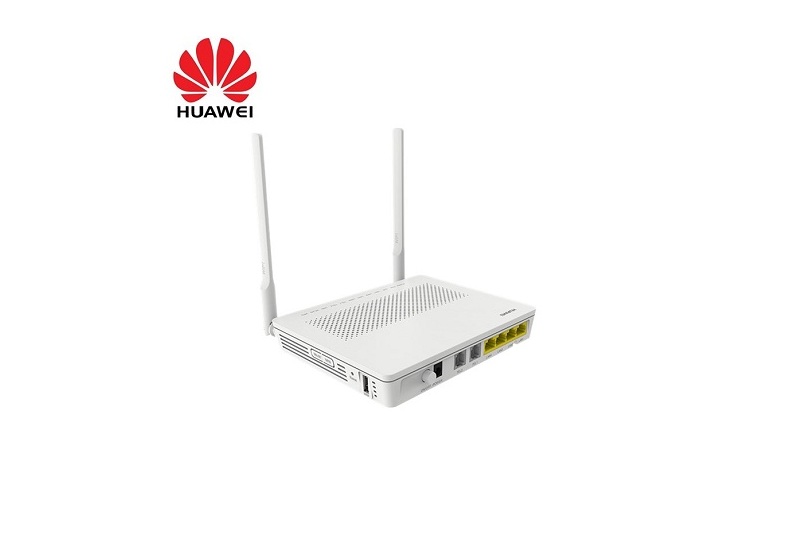
Every Pamoja home plan except Sungura includes a router with installation. If you are on Sungura, or you want to replace or extend your router, here is what matters.
What the router needs to do: - Have a fibre (GPON or XPON) port, or sit behind the fibre terminal we install. Most customers keep our terminal and connect their own WiFi router to it with a network cable. - Support dual-band WiFi (2.4 GHz and 5 GHz). The 5 GHz band gives the fastest speeds in the same room; 2.4 GHz travels further through walls. - For plans of 40 Mbps and above, choose a router rated for WiFi 5 (802.11ac) or newer so the WiFi is not the bottleneck.
Popular options in Kenya: - Huawei and Tenda routers are widely available in Nairobi electronics shops and both work well on our network. Our guides explain how to change the WiFi password on each. - A mesh kit (two or three units) suits maisonettes and larger homes where one router leaves dead spots upstairs or at the back.
Placement matters more than the brand: Put the router in the middle of the house, off the floor, away from the fridge, microwave and metal cabinets. Our router placement guide has the details.
If you are unsure whether a router you already own is compatible, send its model number to our support team on WhatsApp before installation day and we will confirm.