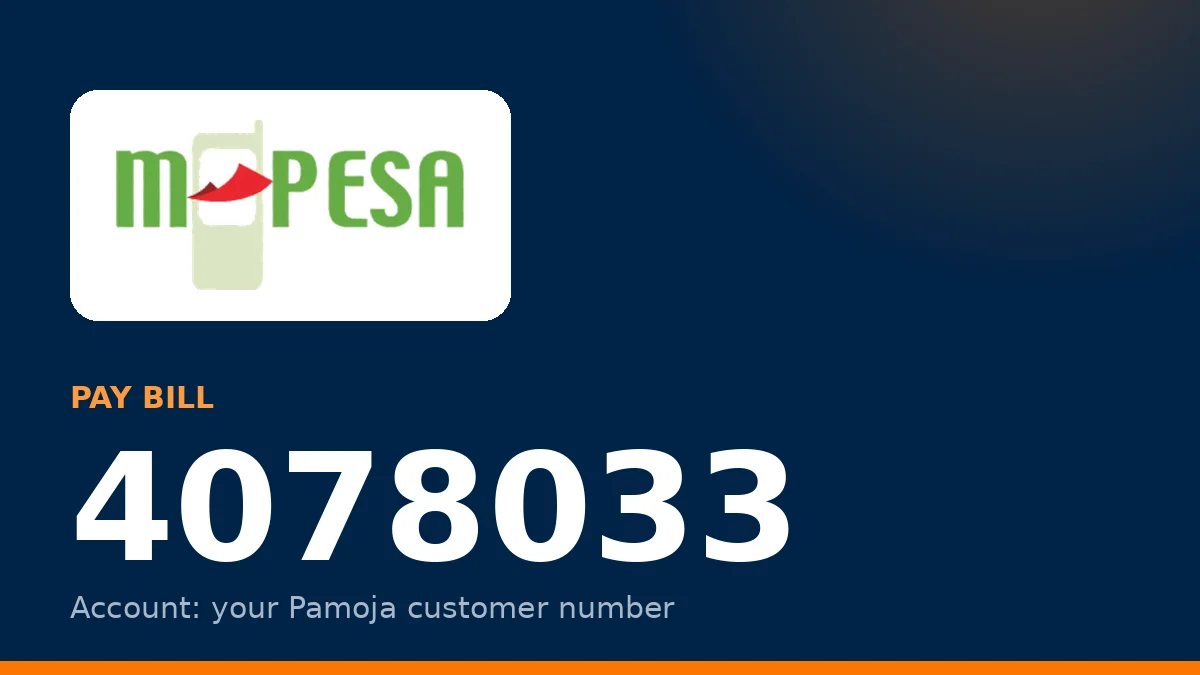
Paying for your Pamoja fibre takes about a minute on M-PESA. You need the Pamoja Pay Bill number and your customer account number, which is on your installation receipt and in the client portal.
Steps on your phone: 1. Open M-PESA (SIM toolkit or the M-PESA app) and choose Lipa na M-PESA, then Pay Bill. 2. Enter Business Number 4078033. 3. Enter your Pamoja account number exactly as it appears on your receipt or portal dashboard. 4. Enter the amount for your plan, for example 1,999 for Chui 20 Mbps. 5. Enter your M-PESA PIN and confirm.
Your connection is normally reactivated within a few minutes of the M-PESA confirmation message. If it takes longer, keep the M-PESA transaction code and contact support on 020 765 3000 or WhatsApp 0799 745 714.
Paying online instead: You can also log in to the client portal at pamojafiber.phpradius.com, choose your plan and pay from there. The portal shows your current expiry date and data usage.
Common mistakes: - Typing the wrong account number. Payments sent to another account take longer to trace, so double-check before you confirm. - Paying a partial amount. The plan only renews when the full monthly price is received. - Paying after the connection has expired and expecting instant reconnection. Reactivation is quick, but paying a day early avoids any gap.
Short-term recharges for installed customers, KSh 100 for 24 hours or KSh 390 for 7 days, are paid the same way. Confirm availability with support first.