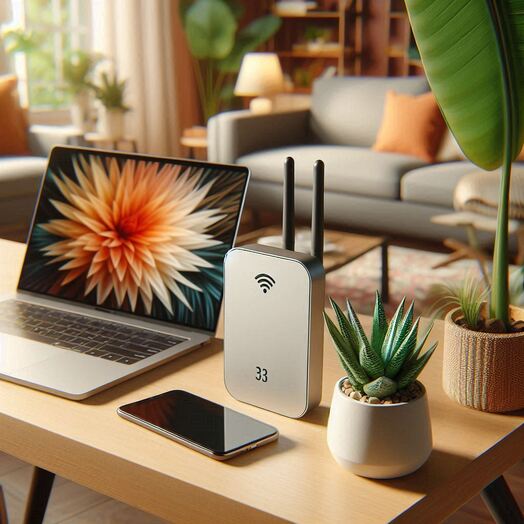
A WiFi range extender (also called a WiFi repeater or booster) is a device that helps expand the coverage area of a wireless network by receiving the existing WiFi signal, amplifying it, and rebroadcasting it. This helps eliminate dead zones and improve connectivity in areas where the WiFi signal is weak. Here are some tips to help you boost your WiFi range using a WiFi range extender: 1. Place the extender in a central location: To get the best coverage, place the extender in a central location between your router and the area where you need better WiFi coverage. 2. Avoid obstructions: Keep the extender away from walls, metal objects, and other obstructions that can interfere with the WiFi signal. 3. Use the same SSID and password: To make it easier for your devices to connect to the extender, use the same SSID and password as your main WiFi network. 4. Update the firmware: Make sure the extender's firmware is up to date to ensure optimal performance. 5. Use the extender's app: Some extenders come with a mobile app that makes it easy to set up and manage the extender. 6. Experiment with placement: Try different locations to find the best spot for the extender to get the best coverage.